
Dating
Tinder, Hinge, Bumble
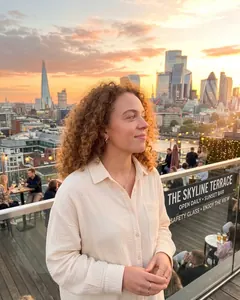
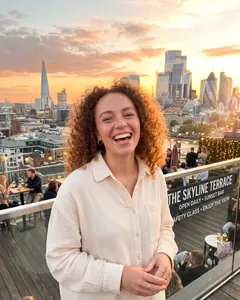
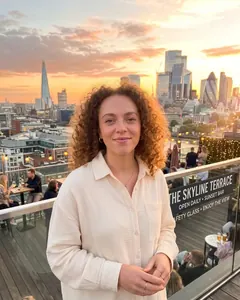
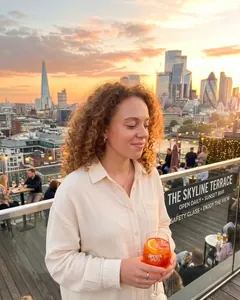
“Here's the one that gets the right swipe”
- Warm smile
- Eye contact
- Soft lighting
- Slight angle
- Warm colors
The AI photo picker
Two photos in. The better one out. Choosr compares your shots for where they're going (a dating profile, LinkedIn, your feed) and tells you which one wins, and exactly why.

First comparison freeNo account needed
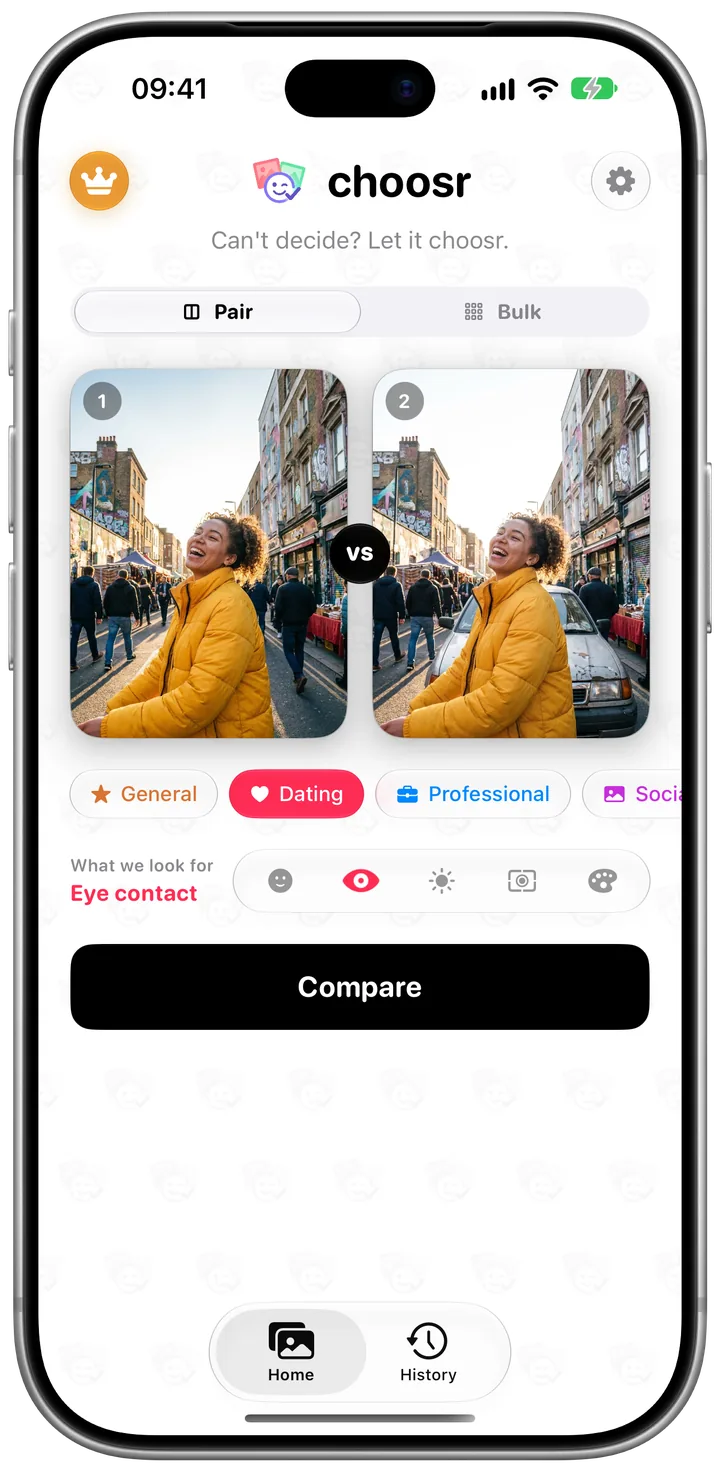
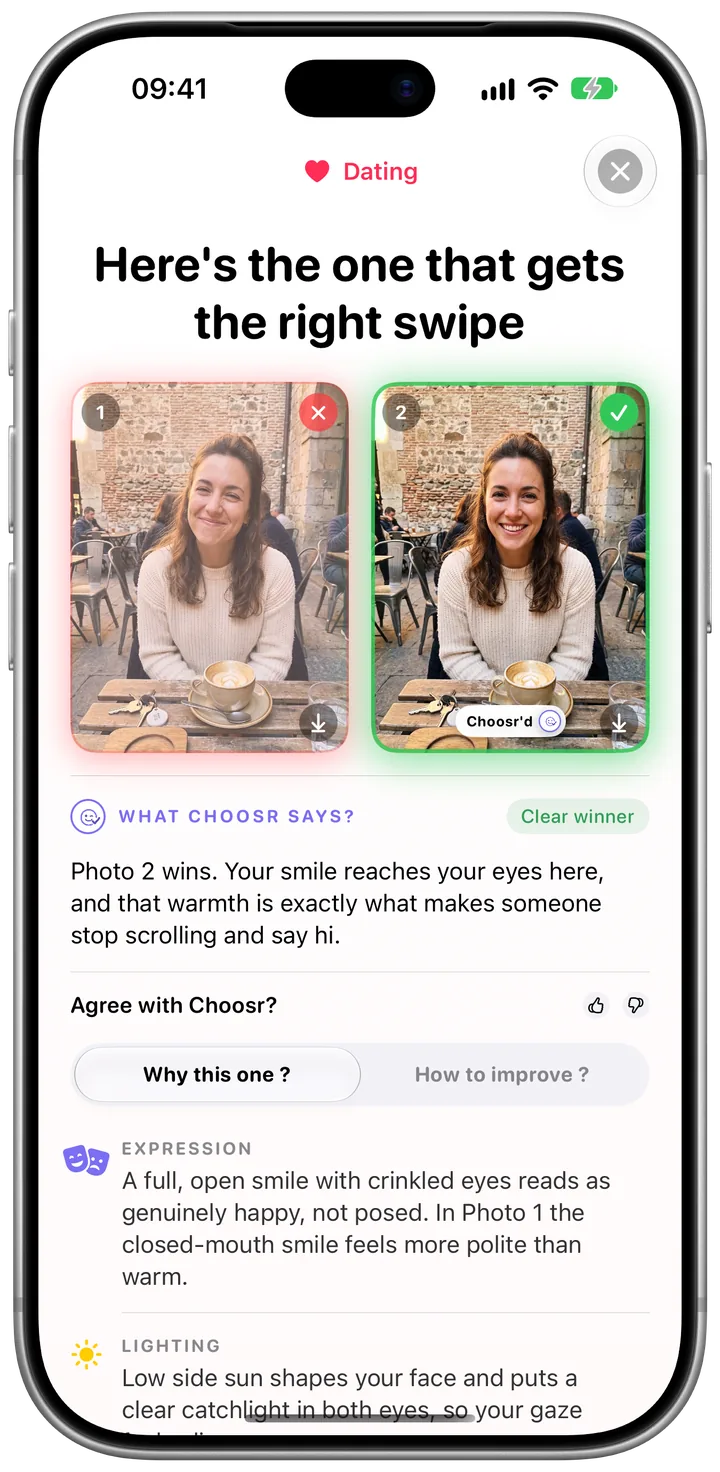
Pair
The one you reach for when you've narrowed it down and still can't pick.
Straight from your library. Any two shots you keep going back and forth on.
Each category judges differently. A dating photo and a headshot win for different reasons.
Usually in under 30 seconds. Leave the app if you like; it keeps going.
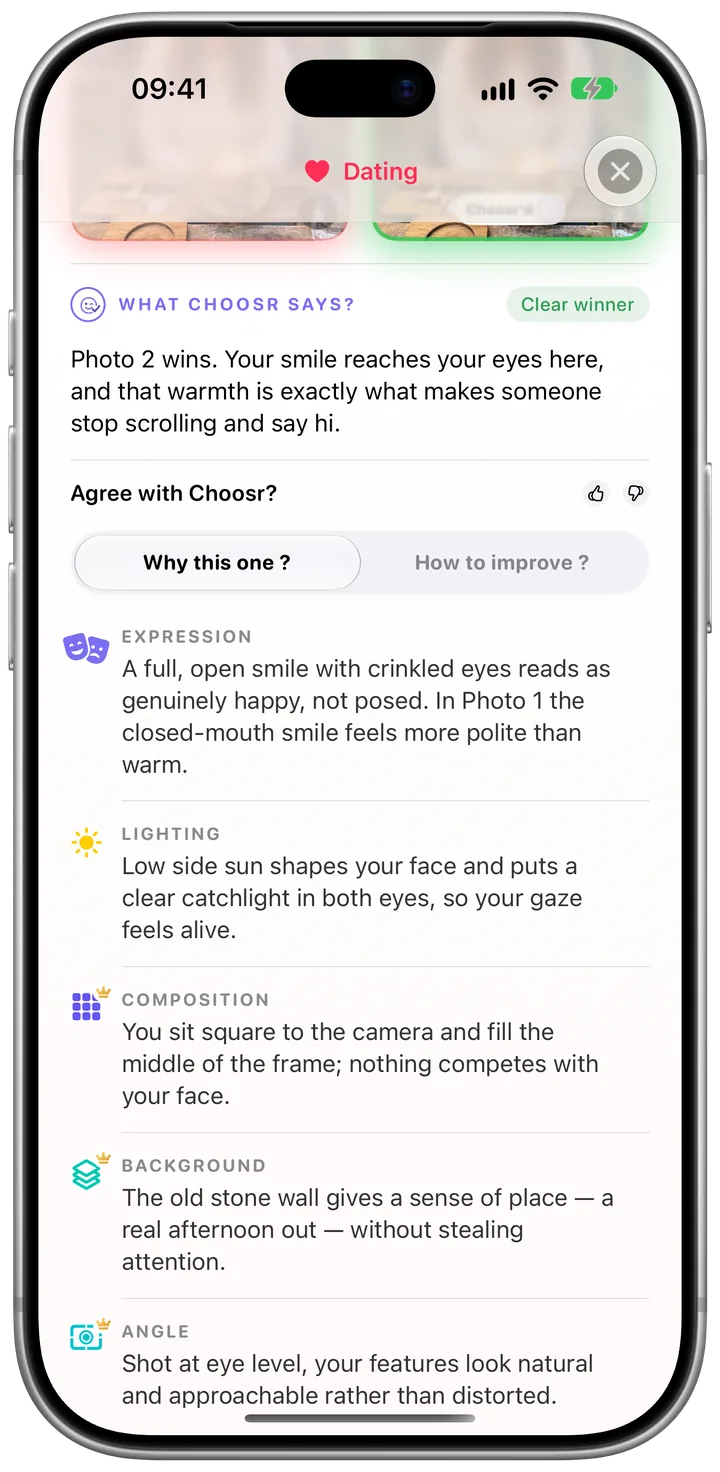
Why this one
Choosr names what actually made the difference: the expression, the light, the framing, the background, the angle. Specific enough that you'd spot it yourself next time.
Free shows the first two reasons. Premium shows every one.
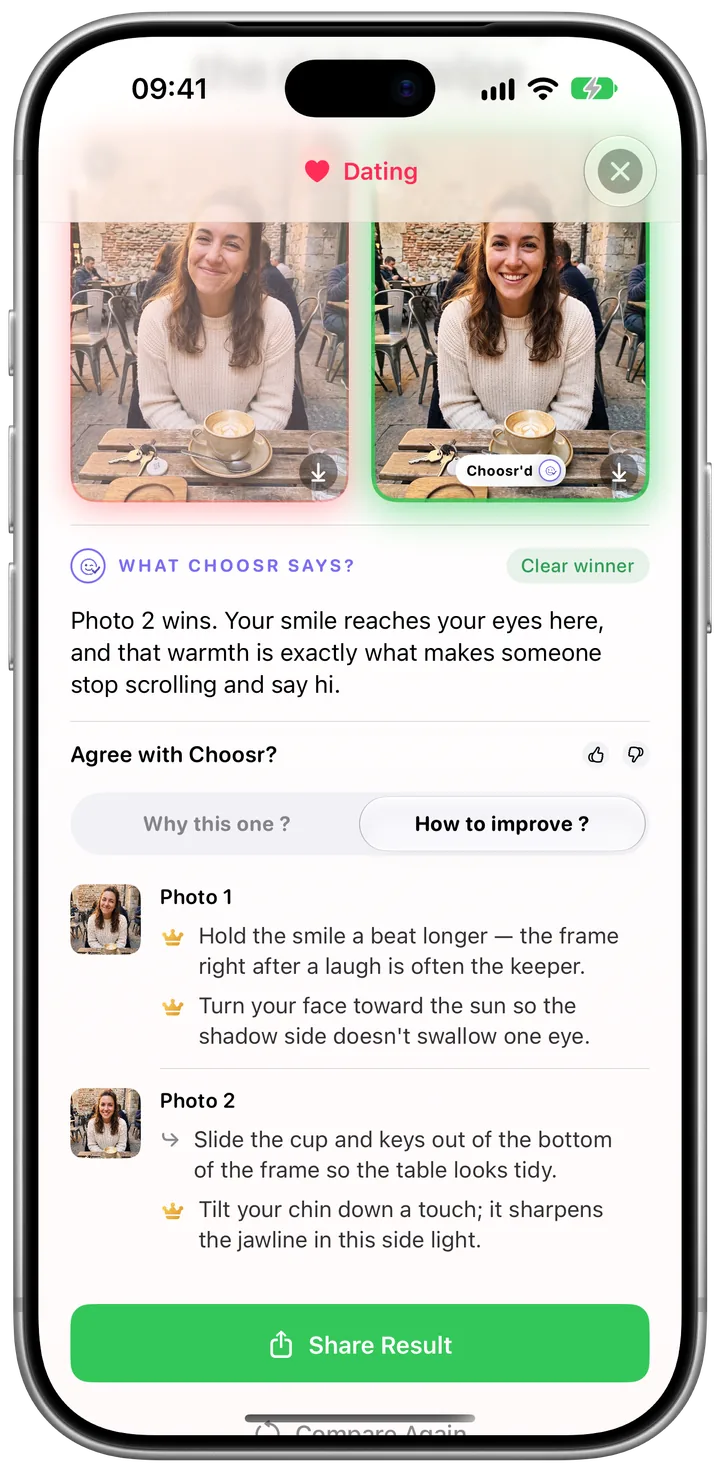
How to improve
Tips for each photo, the winner included: hold the smile a beat longer, turn toward the light, move the clutter out of frame. Small changes you can make on the next take.
Free shows the first tip. Premium shows them all.
Bulk Premium
Took a whole burst? Drop in three to ten photos from the same moment. Choosr looks at every one and hands back the shot to post, with the reasons it beat the rest.
Four categories
The same two photos can win differently on Hinge and on LinkedIn. Tell Choosr which, and it weighs what matters there.
Tinder, Hinge, Bumble
“Here's the one that gets the right swipe”
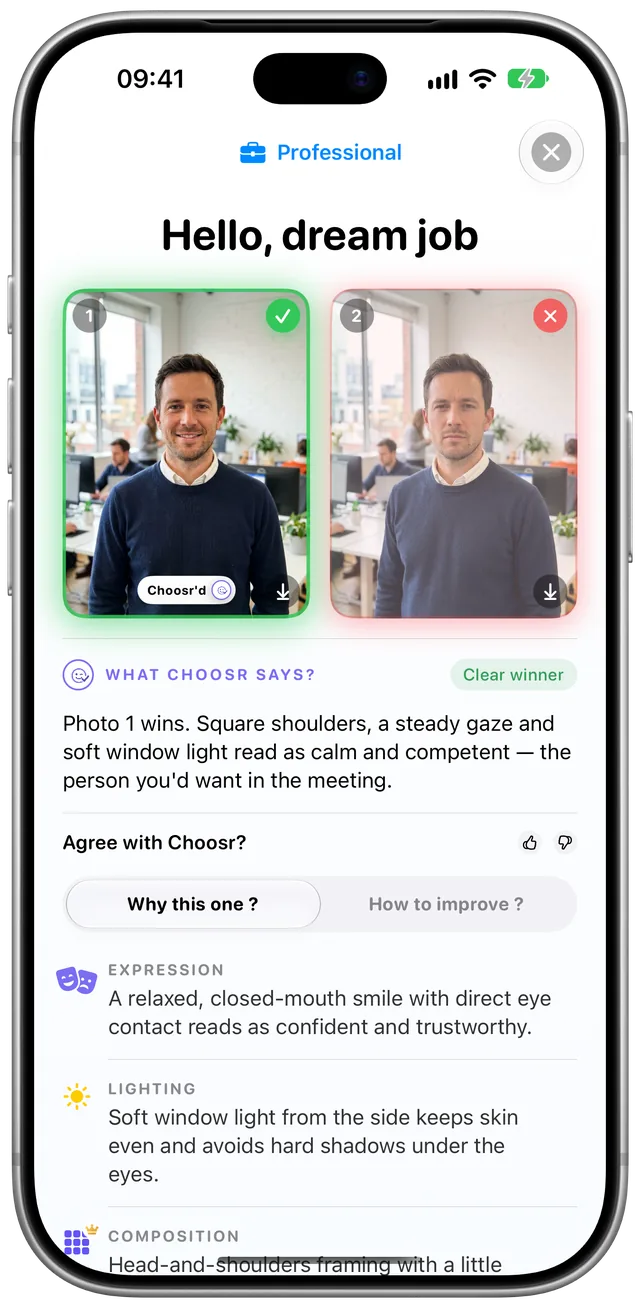
LinkedIn, CV, team page
“Hello, dream job”
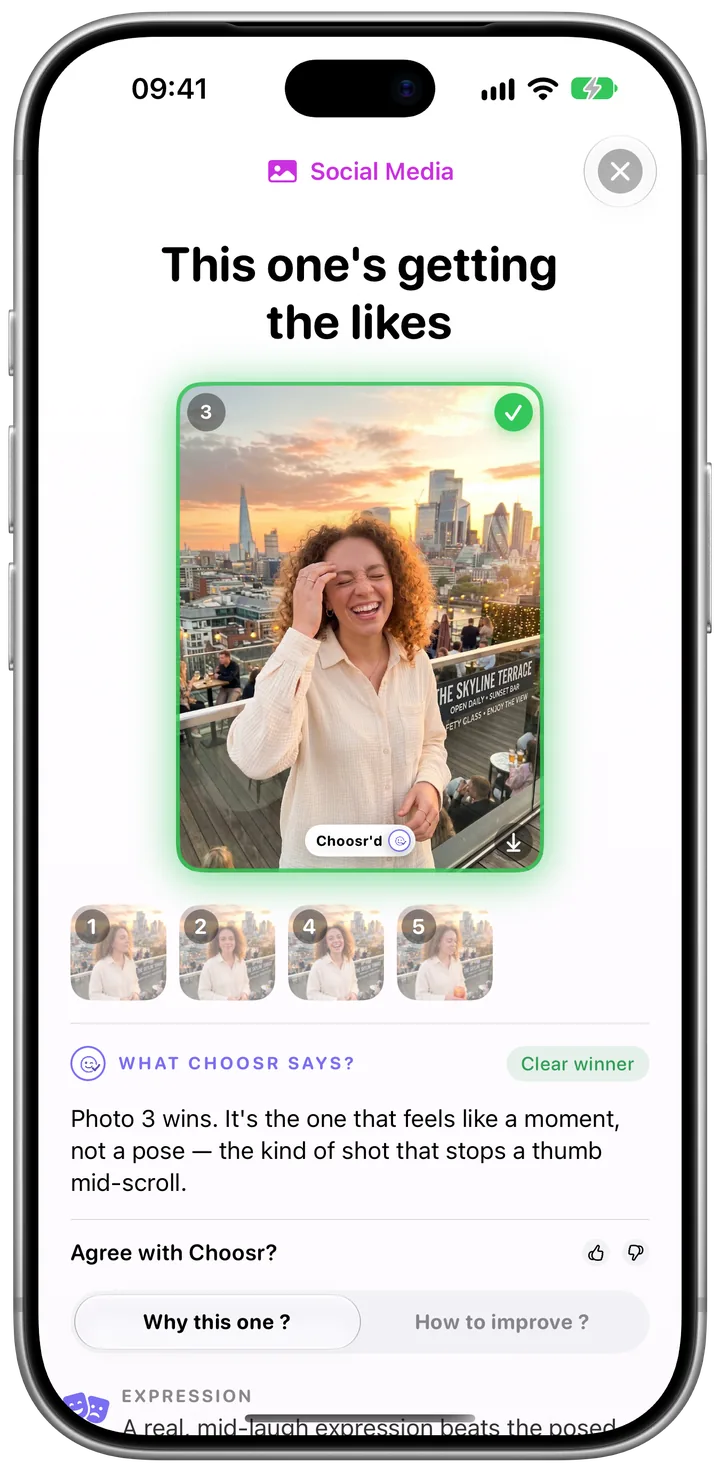
Instagram, TikTok
“This one's getting the likes”
Anything else
“Here's your best shot”
While it chooses
A Live Activity shows the comparison working on the Lock Screen and in the Dynamic Island, then shows the winner.
Close the app and get on with your day. A notification tells you your pick is in.
Past comparisons stay on your phone, ready to open, save or share.
No account, no ads. Your photos aren't kept on our servers, and your history stays on your phone.
FAQ
Your photos go to a vision AI with instructions for the category you chose. To cancel out any bias from photo order, Choosr runs the comparison twice with the photos swapped. If the two runs disagree, it settles on one answer and tells you it was a close call.
Pair compares two photos side by side and is where your free comparison goes. Bulk takes a set of three to ten photos from the same moment and picks the one to post. Bulk is part of Choosr Premium.
Your first comparison of two photos: the winner, the verdict, the first two reasons it won and the first tip to improve. Choosr Premium unlocks every reason and tip, Bulk, and comparisons every day.
It's an auto-renewing subscription, weekly or monthly. In the US it's $2.99 a week or $8.99 a month, and the App Store shows your local price before you buy. There's no free trial.
On your iPhone, open Settings → [your name] → Subscriptions → Choosr and tap Cancel Subscription, or tap Manage subscription in Choosr's Settings. Premium stays active until the end of the period you've paid for. Deleting the app doesn't cancel it.
Yes. From version 5.2, every credit you had left counts as a free comparison.
Your photos travel over an encrypted connection to our server in Frankfurt, on to the AI, and the verdict comes back. We don't keep your photos on our servers. Your comparison history stays on your phone, and deleting the app erases it.
No. There's no sign-up, email or password. Premium belongs to your Apple ID, so on a new phone you tap Restore Purchases to get it back.
No. Tap Compare and leave. The comparison keeps going in the background, shows up as a Live Activity on your Lock Screen, and you can turn on a notification for when your pick is ready.
It does, but Choosr is tuned for photos of people: selfies, portraits, profile pictures. For landscapes and objects the criteria fit less neatly.
Something else? See Support or write to support@letschoosr.com.

Your first comparison is free. No account needed.